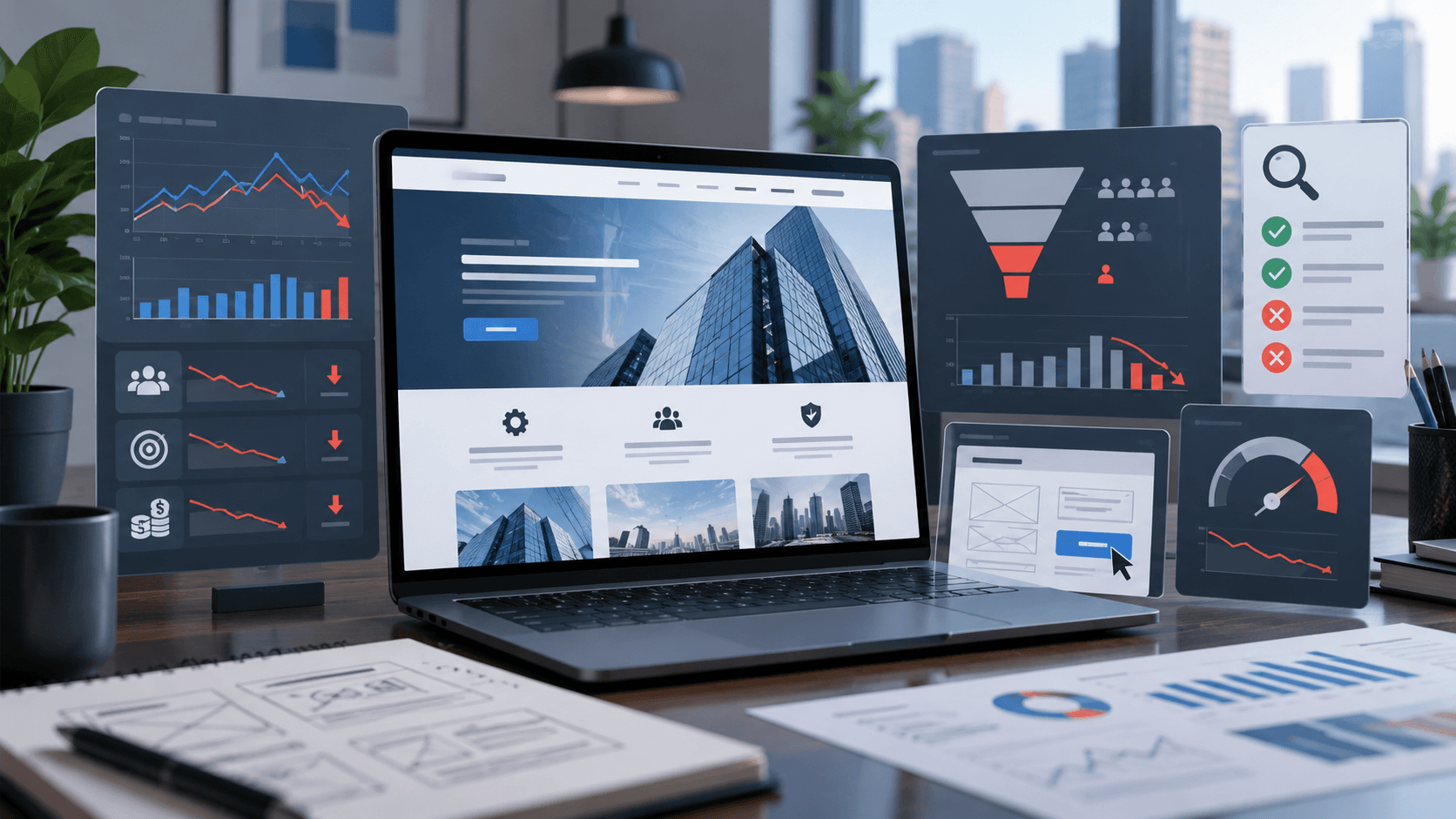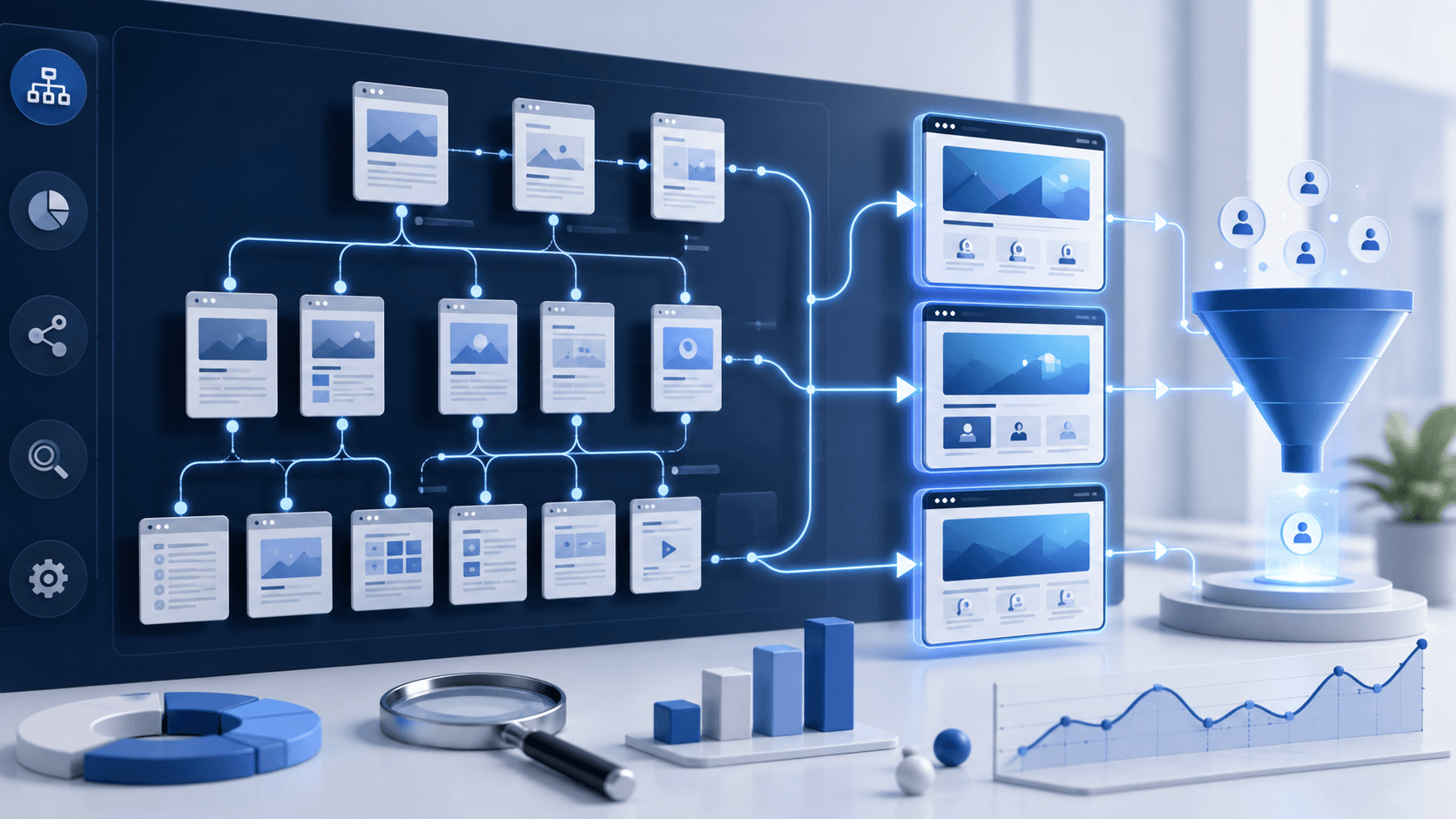
B2B Brochure Website Audit: How to Turn a Static Corporate Site into a Lead Generation System

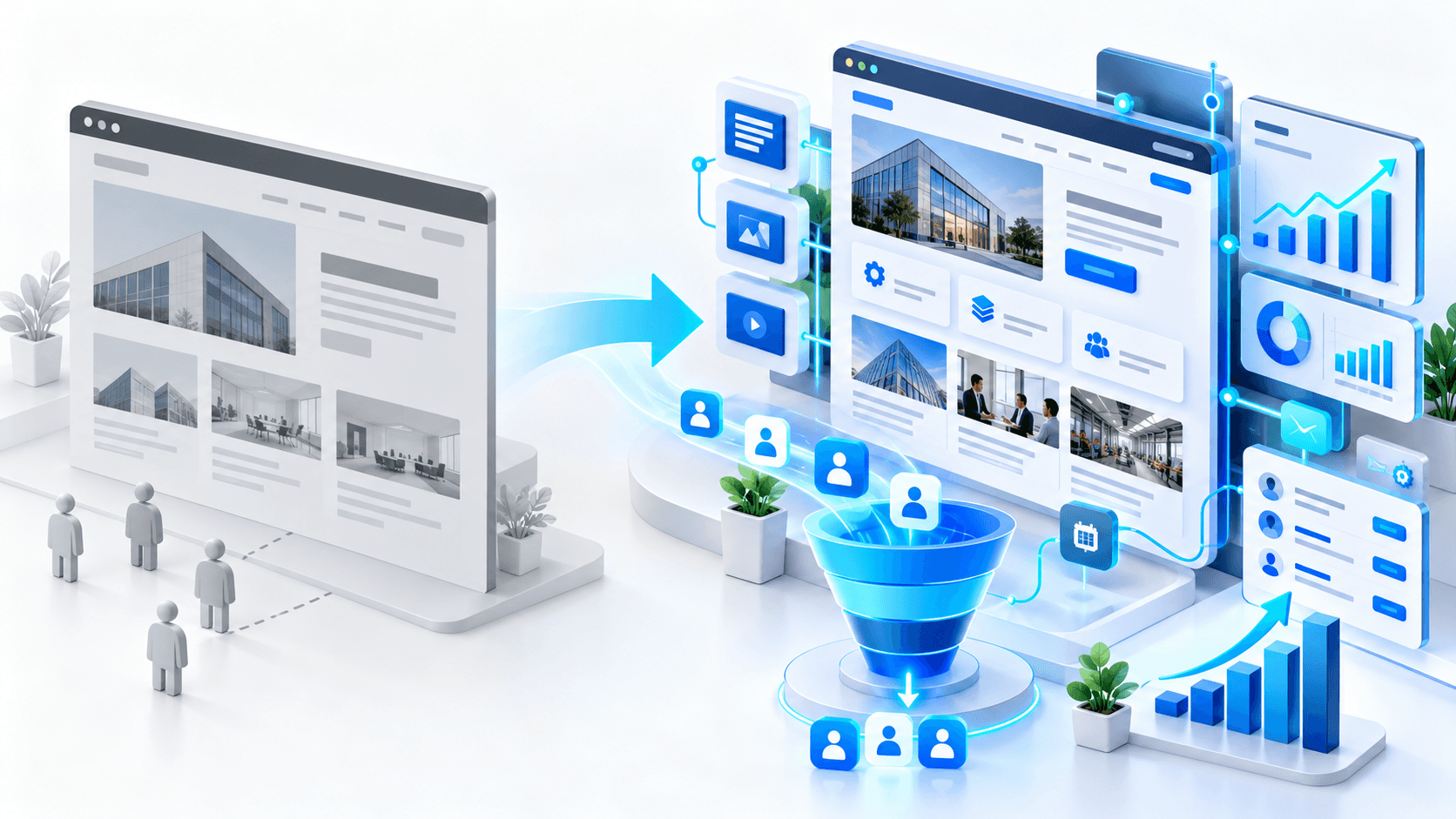
Many established B2B companies have websites that look professional, explain what the company does, list its services, and provide contact information.
Technically, nothing appears wrong.
But the website generates almost no qualified inquiries.
This is often a brochure website: a digital company presentation rather than a system designed to attract, educate, qualify, and convert potential clients.
A brochure website may have been enough when most business came from referrals, personal relationships, exhibitions, or outbound sales. But when a company wants SEO, Google Ads, international expansion, or predictable inbound leads, the limitations become obvious.
This audit-style breakdown explains how to turn a static B2B corporate website into a lead generation system without rebuilding everything blindly.
What Is a B2B Brochure Website?
A brochure website is primarily built to describe the company rather than support the buyer’s decision.
It usually contains:
- a homepage;
- an About page;
- a short Services section;
- perhaps a Portfolio or Projects page;
- a News section;
- a Contact page.
The content often focuses heavily on the company:
- who we are;
- how long we have worked;
- what technologies we use;
- our mission;
- our values;
- our list of services.
There is nothing inherently wrong with this information. The problem is that potential clients usually arrive with a different set of questions.
They want to know whether you understand their problem, whether you have solved something similar, whether your service fits their situation, and what they should do next.
The Difference Between a Brochure Website and a Lead Generation Website
A brochure website says:
“Here is our company.”
A lead generation website helps answer:
“Can this company solve my specific problem, and is it worth starting a conversation?”
That difference changes the entire structure.
A lead generation website connects:
- search intent;
- business problems;
- service pages;
- proof of expertise;
- case studies;
- educational content;
- calls-to-action;
- forms;
- analytics;
- sales follow-up.
The website becomes part of the sales process instead of a static presentation.
Audit Step 1: Identify What the Website Should Actually Generate
Before changing pages, define the business outcome.
Different B2B companies may need different conversions:
- project inquiries;
- requests for quotation;
- technical audit requests;
- demo bookings;
- discovery calls;
- product inquiries;
- partner applications;
- consultation requests.
A website cannot be optimized properly if the desired business action is unclear.
For example, a company selling complex development projects probably should not measure success primarily by newsletter subscriptions.
The main website conversion should reflect what the sales team considers a useful opportunity.
Audit Step 2: Stop Making the Homepage About the Company
Many brochure websites open with messaging such as:
“We are a reliable company with 15 years of experience providing innovative solutions.”
This may be true, but it gives a new visitor very little useful information.
A stronger homepage should quickly clarify:
- what you solve;
- who you solve it for;
- what type of work you specialize in;
- why the visitor should continue exploring.
For example, instead of broad positioning around “web development,” a company might explain that it specializes in:
B2B ecommerce development for manufacturers selling complex products across European markets.
This immediately gives the visitor context.
The objective is not to make the headline longer. It is to make the positioning more useful.
Audit Step 3: Replace Generic Service Summaries with Commercial Service Pages
Brochure websites often describe every service in a few sentences.
That is rarely enough for competitive B2B searches or serious buyers.
Each priority service should have its own page explaining:
- the problem;
- the target client;
- the service scope;
- how the work is performed;
- important technical considerations;
- expected business outcomes;
- common risks;
- proof of expertise;
- the next step.
For example, a page called Website Redesign is broad.
A stronger commercial page could focus on:
SEO-Safe B2B Website Redesign for Companies That Cannot Afford Organic Traffic Loss.
That page targets a clearer problem and a more valuable buyer.
Audit Step 4: Build Around Buyer Problems, Not Only Services
Potential clients do not always know the exact service they need.
They may search for a problem instead.
Examples include:
- website traffic but no leads;
- WordPress website is too slow;
- OpenCart duplicate URLs;
- website redesign caused traffic loss;
- Google Ads gets clicks but no inquiries;
- international website does not rank in target countries.
This is why a strong B2B website needs more than service pages.
It also needs problem-led content that attracts users earlier in the buying journey and moves them toward the appropriate solution.
The content should naturally connect the problem with a commercial page.
Audit Step 5: Turn Case Studies into Sales Assets
Many company websites have a portfolio containing screenshots and project names.
That shows that work was completed, but it does not necessarily demonstrate expertise.
A useful B2B case study should explain:
- the initial problem;
- the technical or business constraints;
- what was discovered during the audit;
- what decisions were made;
- what was implemented;
- what changed afterward;
- what another business can learn from the project.
This is much stronger than simply showing a beautiful homepage screenshot.
For technical buyers, the reasoning behind the project can be more persuasive than the visual result.
Audit Step 6: Create a Path from Content to Service
One of the biggest brochure website problems is disconnected content.
A company may publish useful articles, but visitors read them and leave.
Every commercially relevant article should have a logical next step.
For example:
- an index bloat article → technical SEO audit;
- a WordPress speed article → WordPress performance audit;
- an OpenCart SEO article → OpenCart SEO cleanup;
- a redesign article → pre-redesign technical audit;
- a conversion article → conversion audit;
- a Google Ads readiness article → landing page or tracking review.
This does not require aggressive selling.
The purpose is to show the reader where they can go if they need professional help with the problem they just researched.
Audit Step 7: Add Proof at the Moment Buyers Need It
A separate Testimonials page is not enough.
Proof should appear close to the claim it supports.
Useful proof can include:
- case study snippets;
- technical screenshots;
- client quotes;
- project examples;
- before-and-after comparisons;
- specific experience with a CMS or industry;
- measurable outcomes where available.
For example, if a service page discusses OpenCart SEO cleanup, show an example of the type of duplicate URL or indexation issue your team has actually handled.
This makes the page more credible than generic claims such as “we are experts.”
Audit Step 8: Replace Generic CTAs with Problem-Specific Offers
Many brochure websites use the same CTA everywhere:
Contact Us
It works, but it does not give the visitor much reason to act.
A stronger CTA reflects the context of the page.
Examples:
- Request a Technical Website Audit;
- Get an SEO Cleanup Plan;
- Discuss Your Website Redesign;
- Audit Your WordPress Performance;
- Review Your OpenCart SEO Structure;
- Discuss Your B2B Ecommerce Project.
A visitor reading about a technical problem may be more comfortable requesting an audit than immediately “buying” a large development project.
This creates a more natural first step.
Audit Step 9: Add Different Conversion Points for Different Buyer Stages
Not every visitor is ready to contact sales.
A strong lead generation website can support multiple levels of intent.
High-intent actions:
- request a quote;
- book a call;
- discuss a project;
- request an audit.
Lower-intent actions may include:
- reading a technical case study;
- reviewing an audit checklist;
- exploring related service content;
- downloading a useful resource where appropriate.
The objective is not to collect every visitor’s email address.
The objective is to help serious prospects continue their buying journey instead of reaching a dead end.
Audit Step 10: Make the Contact Process Fit B2B Buyers
A contact page with only a generic form creates unnecessary uncertainty.
Potential clients want to know:
- what information you need;
- what happens after they submit;
- whether you handle their type of project;
- how the initial discussion works;
- whether there is a commitment at this stage.
The website can make this clearer with short supporting copy.
The form itself should also collect useful qualification information without becoming exhausting.
Possible fields include:
- name;
- company;
- email;
- website URL;
- project type;
- short problem description.
The right form depends on the service, but every required field should have a reason to exist.
Audit Step 11: Measure the Entire Lead Path
A brochure website often tracks only pageviews.
A lead generation website should measure business actions.
Useful events include:
- form submissions;
- audit requests;
- calendar bookings;
- phone clicks;
- email clicks;
- CTA clicks;
- important case study views;
- entry page before conversion;
- traffic source that generated the lead.
Where possible, the marketing data should eventually connect with CRM outcomes.
That makes it possible to distinguish between pages that generate traffic and pages that generate useful business opportunities.
Audit Step 12: Strengthen Internal Linking Around Commercial Pages
Important service pages should not exist in isolation.
They should receive relevant internal links from:
- homepage sections;
- problem-led articles;
- case studies;
- related services;
- technical guides;
- industry pages.
This helps both visitors and search engines understand which pages are commercially important.
The goal is not to insert the same service link into every article.
The links should follow the natural relationship between a problem and its solution.
You May Not Need a Full Redesign
This is an important point.
Turning a brochure website into a lead generation website does not always require rebuilding everything from scratch.
Sometimes the highest-impact changes are:
- restructuring the homepage;
- creating stronger service pages;
- adding technical case studies;
- improving internal linking;
- adding relevant CTAs;
- fixing forms;
- implementing conversion tracking;
- improving mobile performance.
A technical and conversion audit should determine whether the existing website can be improved or whether the underlying structure genuinely requires a rebuild.
This is usually a better starting point than redesigning simply because the website is old.
B2B Brochure Website Audit Checklist
- The website has a clearly defined primary conversion.
- The homepage explains the offer and target audience quickly.
- Priority services have dedicated commercial pages.
- Service pages address specific business problems.
- Case studies explain problems and solutions, not only visuals.
- Informational content connects to relevant services.
- Trust signals appear close to decision points.
- CTAs match page intent.
- Visitors at different buying stages have a logical next step.
- Contact forms are simple and useful for sales.
- Conversion tracking is configured correctly.
- Important commercial pages receive strong internal links.
- Mobile performance supports lead generation.
- The website is measured by qualified inquiries, not only traffic.
FAQ
What is the main problem with a brochure website?
A brochure website mainly describes the company but often does not support the buyer journey, search intent, qualification, trust building, or clear conversion paths needed for consistent lead generation.
Do we need a complete redesign to generate more leads?
Not always. Some websites can be improved through better service pages, positioning, internal links, case studies, CTAs, tracking, and forms without rebuilding the entire site.
Should every visitor be pushed to contact sales?
No. B2B buying cycles can be long. The website should offer a clear direct conversion for high-intent visitors while also helping earlier-stage prospects continue researching relevant solutions.
What should we improve first?
Start with the pages closest to revenue: homepage positioning, priority service pages, contact paths, proof, CTAs, forms, and tracking. Then connect informational content to those commercial pages.
Conclusion
A B2B website should do more than prove that the company exists.
It should help potential clients recognize their problem, understand the available solution, evaluate your expertise, reduce perceived risk, and take a relevant next step.
If your corporate website still behaves like an online brochure, our team can audit its structure, service pages, technical foundation, internal linking, tracking, and conversion paths to determine what needs to change before you invest in more SEO or paid traffic.
You may also want to read our articles about thin B2B service pages, internal linking audits, paid traffic readiness, and conversion audits for websites that lose leads.