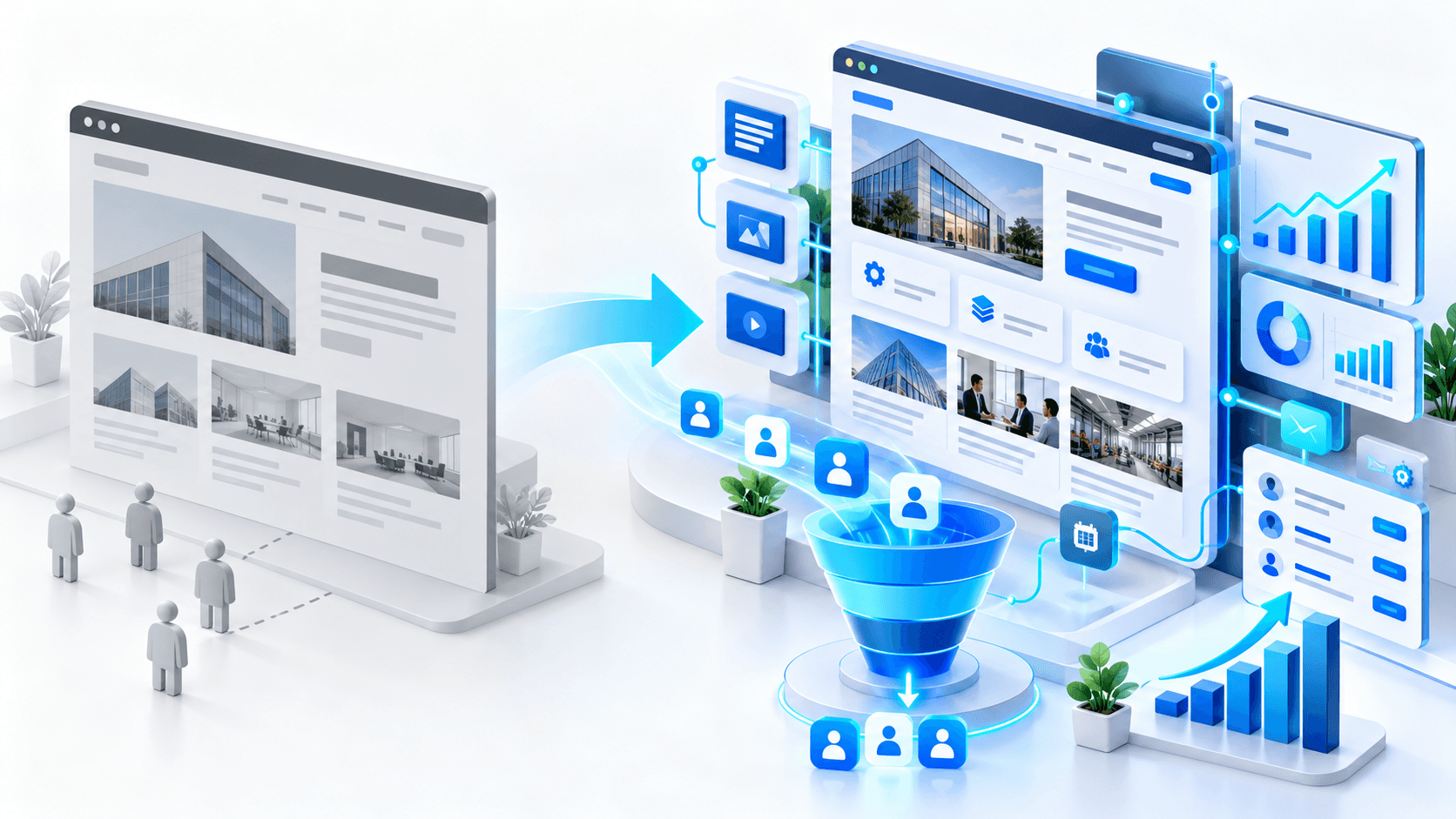
Website Architecture Audit: How Poor Structure Weakens Commercial Pages


Many B2B websites have valuable service pages, case studies, blog articles, and landing pages — but the structure does not help these pages perform.
The website may have good content, but important commercial pages are buried too deep, internal links are weak, navigation is unclear, and users struggle to understand the best path toward inquiry.
This is not only a user experience problem. Poor website architecture can weaken SEO, reduce conversions, and prevent service pages from generating qualified leads.
In this website architecture audit breakdown, we explain how poor structure affects commercial pages and what businesses should fix before investing more in SEO, ads, or content.
Why Website Architecture Matters
Website architecture is the way pages are organized, connected, and prioritized across the site.
It affects how:
- users navigate the website;
- Google discovers important pages;
- internal authority flows between pages;
- commercial pages are supported by content;
- visitors move from research to inquiry;
- service pages compete in search results.
A website can look modern but still have poor architecture underneath.
If important pages are hard to reach, poorly linked, or disconnected from related content, they may struggle to rank and convert.
This Is Different from Index Bloat
Index bloat is about too many low-value pages being indexed by Google.
Website architecture problems are different. They happen when valuable pages exist, but the structure does not support them properly.
For example:
- a service page exists but has almost no internal links;
- a case study exists but is not connected to related services;
- blog posts get traffic but do not guide users to commercial pages;
- important pages are buried several clicks deep;
- navigation does not reflect the real business priorities.
In this case, the issue is not only removing bad pages. The issue is strengthening the right pages.
The Common Problem: Important Pages Are Too Weak
In many audits, we see websites where the company wants more leads from service pages, but those pages receive very little structural support.
A typical situation looks like this:
- the homepage links to many general pages;
- service pages are hidden in dropdown menus;
- blog content links mostly to other blog posts;
- case studies do not link back to services;
- commercial pages have weak CTAs;
- important pages are not included in strong content hubs;
- Google sees many pages, but not a clear priority structure.
The result is predictable: informational pages may get impressions, but commercial pages stay weak.
How Poor Architecture Hurts SEO
Google uses links, structure, content relationships, and page importance signals to understand a website.
If the structure is weak, several SEO problems can appear:
- important pages are crawled less often;
- internal authority is spread too thin;
- commercial pages receive weak relevance signals;
- content clusters remain disconnected;
- Google struggles to understand which pages matter most;
- similar pages may compete with each other;
- service pages may rank lower than they should.
This is why publishing more content does not always solve the problem.
If new content is not connected to the right commercial pages, it may bring traffic without improving business results.
How Poor Architecture Hurts Conversions
Website structure also affects how visitors make decisions.
A potential client may land on a blog article, service page, case study, or homepage. From there, the website should guide them naturally toward the next step.
Poor structure creates friction:
- visitors do not understand what the company offers;
- service pages are hard to find;
- related case studies are not visible;
- CTAs are inconsistent;
- users read content but never reach inquiry pages;
- the website feels informative but not conversion-focused.
A strong architecture helps visitors move from problem awareness to solution evaluation and then to contact.
Audit Step 1: Identify Business-Critical Pages
Before changing the structure, identify which pages should matter most.
For a B2B website, these usually include:
- main service pages;
- industry landing pages;
- case studies;
- website audit pages;
- technical SEO service pages;
- website redesign pages;
- OpenCart or WordPress development pages;
- contact and consultation pages.
The question is simple: which pages should generate business?
Once these pages are identified, the architecture should support them intentionally.
Audit Step 2: Check Page Depth
Page depth shows how many clicks it takes to reach a page from the homepage.
If an important commercial page is four or five clicks away, it may receive weaker internal authority and fewer visits.
During an architecture audit, review:
- which pages are accessible from the main navigation;
- which pages are linked from the homepage;
- which pages are buried deep inside the site;
- which important URLs are only accessible through old blog links;
- whether any high-value pages are orphaned.
Important commercial pages should be easy to reach.
Audit Step 3: Review Internal Linking
Internal linking is one of the strongest ways to support important pages.
Good internal linking should connect:
- blog posts to relevant service pages;
- case studies to related services;
- technical articles to audit offers;
- problem-based content to solution pages;
- homepage sections to priority commercial pages;
- service pages to related case studies and FAQs.
The goal is not to add random links. The goal is to create a logical path for users and search engines.
Example
An article about WordPress performance should link to a WordPress performance audit or website optimization service.
An article about OpenCart duplicate URLs should link to OpenCart SEO cleanup or ecommerce development services.
An article about website migration should link to website redesign and SEO-safe migration services.
This is how informational content starts supporting lead generation.
Audit Step 4: Check Navigation Priorities
Main navigation should reflect business priorities.
Many websites overload navigation with general pages while hiding the pages that actually sell services.
Common navigation problems include:
- too many menu items;
- unclear service categories;
- important services hidden under generic labels;
- no clear path to audits, consultations, or quotes;
- blog and resource pages disconnected from services;
- industry pages missing from navigation.
Navigation should help visitors understand what you do and where to go next.
For B2B websites, the main menu should usually prioritize services, industries, case studies, resources, and contact.
Audit Step 5: Look for Orphan Pages
Orphan pages are pages that exist but are not linked from other important pages.
They may still be indexed by Google, but users and search engines have trouble discovering them through the website structure.
Orphan pages often include:
- old service pages;
- landing pages;
- case studies;
- campaign pages;
- technical articles;
- location or language pages;
- pages created during redesigns.
If a page has business value, it should not be isolated.
It should be connected to related services, articles, case studies, and CTA paths.
Audit Step 6: Connect Content Clusters to Services
Content clusters are only useful when they support business goals.
For example, a technical SEO cluster may include articles about:
- index bloat;
- junk URLs;
- duplicate URLs;
- website migration;
- multilingual SEO;
- ecommerce category structure.
But if these articles do not link to a technical SEO audit or SEO cleanup service, the cluster may generate knowledge without leads.
Every content cluster should have a commercial destination.
This destination may be:
- Request a Technical Website Audit;
- Get an SEO Cleanup Plan;
- Discuss a Website Redesign;
- Review Your OpenCart SEO Structure;
- Audit Your WordPress Performance.
Audit Step 7: Review URL Structure
URL structure should be clean, predictable, and aligned with the site hierarchy.
Weak URL structure can create confusion when service pages, blog posts, landing pages, and category pages are not organized logically.
Check whether URLs clearly reflect:
- page topic;
- content type;
- service category;
- language or market if relevant;
- commercial intent;
- site hierarchy.
Clean URLs do not guarantee rankings, but they make the website easier to manage, audit, and understand.
Audit Step 8: Review CTA Paths
Architecture is not only about SEO. It should also support conversion.
Every important page should answer:
- What should the visitor do next?
- Which service is relevant to this problem?
- Is there a soft CTA for early-stage visitors?
- Is there a direct CTA for ready buyers?
- Can users easily reach contact or consultation pages?
A technical article may need a soft CTA like “Request a Technical Website Audit.”
A service page may need a direct CTA like “Discuss Your Website Redesign.”
A case study may need a CTA like “Review a Similar Problem on Your Website.”
The CTA should match the page intent.
What Strong Website Architecture Looks Like
A strong B2B website architecture usually has:
- clear service hierarchy;
- strong homepage links to priority pages;
- service pages supported by blog content;
- case studies connected to relevant services;
- industry pages linked from related content;
- clean navigation;
- no important orphan pages;
- internal links from informational content to commercial pages;
- clear CTA paths across the site.
The website should feel like a connected system, not a collection of disconnected pages.
Real-World Scenario
We often see B2B websites where blog articles receive impressions, but service pages remain weak.
The company assumes it needs more content. But after reviewing the architecture, the real issue becomes clear: the existing content is not supporting the pages that should generate inquiries.
By improving internal links, simplifying navigation, connecting case studies to services, and creating clearer CTA paths, the same website can become much stronger without immediately publishing dozens of new pages.
This is why architecture should be reviewed before scaling content production.
Website Architecture Audit Checklist
- Business-critical pages are clearly identified.
- Important pages are reachable within a few clicks.
- Main navigation reflects business priorities.
- Service pages receive strong internal links.
- Blog content links to relevant commercial pages.
- Case studies link to related services.
- No important orphan pages exist.
- Content clusters have commercial destinations.
- URL structure is clean and logical.
- CTA paths match page intent.
- Homepage supports priority service pages.
- Internal links guide users from problem to solution.
FAQ
What is website architecture in SEO?
Website architecture is the way pages are organized, linked, and prioritized. It helps search engines and users understand which pages matter most.
Can poor architecture hurt lead generation?
Yes. If users cannot easily find service pages, case studies, CTAs, or contact paths, the website may lose qualified leads even when traffic exists.
Is internal linking part of website architecture?
Yes. Internal linking is one of the most important parts because it connects related pages and supports commercial priorities.
Should architecture be fixed before publishing more content?
In many cases, yes. If existing content is disconnected from commercial pages, publishing more content may not improve leads.
Conclusion
Poor website architecture can quietly weaken commercial pages, reduce SEO performance, and make it harder for visitors to become leads.
Before investing more in traffic, content, or paid campaigns, businesses should check whether important pages are properly connected, visible, and supported by internal links.
If your website has useful content but weak commercial results, our team can audit your website architecture and show how to strengthen the pages that should generate inquiries.
You may also want to read our articles about conversion audits, website migration without breaking SEO, and technical SEO cleanup before organic growth.